SportsManager offers three types of logins...Administator, Organization Official, and User. The Administrator has access to add, edit, and delete everything. The Organization Officials can do everything except deletions or adding teams, leages, or seasons. Also the Organization Officials can't change the year or the organization info page. Users can only view Board Members, Areas, About SheddPark and Teams/Rosters pages. Users also have access to the TechSupport and ContactUs Emails. The passwords for Administrator, Organization Official, and User can only be changed by the Administrator.
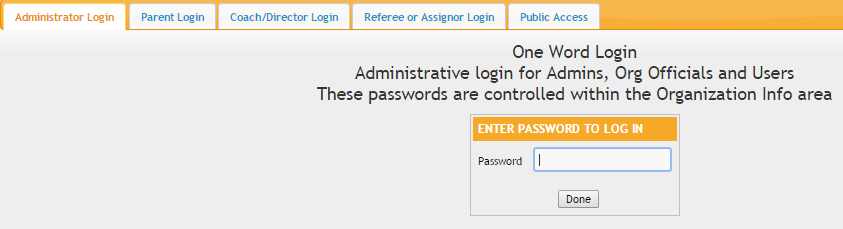
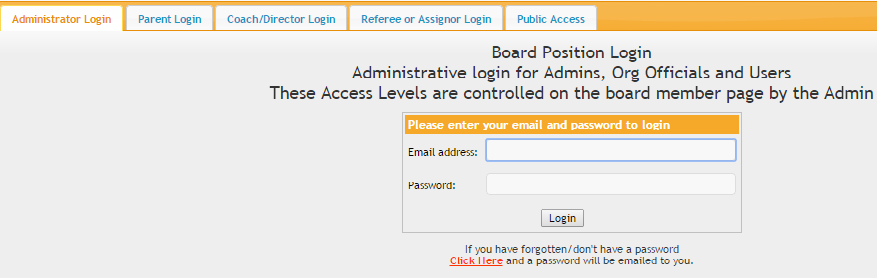
SportsManager offers three types of logins...Administator, Organization Official, and User. The Administrator has access to add, edit, and delete everything. The Organization Officials can do everything except deletions or adding teams, leages, or seasons. Also the Organization Officials can't change the year or the organization info page. Users can only view Board Members, Areas, About SheddPark and Teams/Rosters pages. Users also have access to the TechSupport and ContactUs Emails. The passwords for Administrator, Organization Official, and User can only be changed by the Administrator.
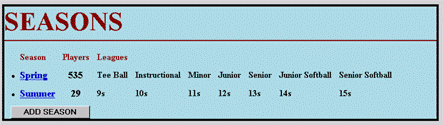
From the Seasons page seasons can be added, edited, or deleted. Only the administrator can add and delete seasons.The season category can also be used to manage regions for organization that are only one season sports and instead have different regions they want to manage. In the season you can enter the start and end date.
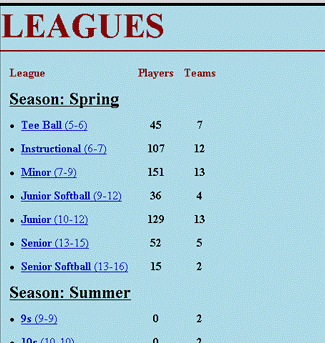
From the Leagues page leagues can be added, edited, or deleted. Only the administrator can add and delete leagues. You can add the min and max age of a league and the system will display players who have exceed the eligibility age in red. You can also add the cost to register for a league. The online registration will use this cost and the age to determine what calculate the registration cost for a player or for a whole family. You can also display the min and max size of a team in that league.
From the Teams page teams can be added, edited, or deleted. Only the administrator can add and delete teams.
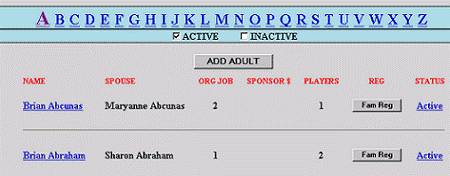
The Adults page has an alphebetized list of all the adults in the database. This includes sponsors and parents of players. From this page you can change the status of an adult (Active/Inactive), edit the adult's personal information, and create and register players for this adult. The Adults page also lists players and job assignments for this adult. The Adults page can only be accessed by the administrator or organization official.
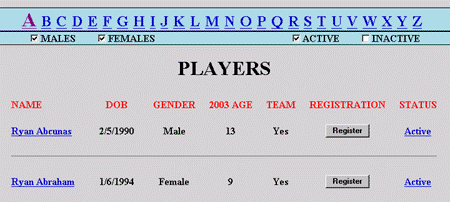
The Players page has an alphebetized list of all the players in the database. This includes players who are currently on a team and those who are not. From this page you can change the status of a player (Active/Inactive), edit the player's personal information, and create and register players. The Players page also lists team assignments for this player. The Players page can only be accessed by the administrator or organization official.
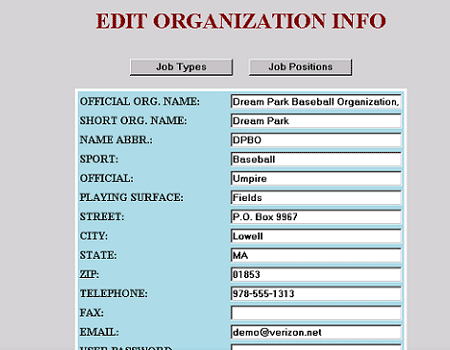
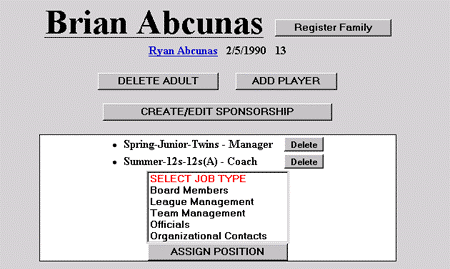
Jobs can be assigned only by the administrator or organization official. The Assign Jobs section is located in the edit adult information page. From here jobs can be assigned to an adult on an organizational, seasonal, league, or team level. Job types and positions must first be created before adults can be assigned to them. BoardMembers is an example of a job type, whereas President of the Board is an example of a job position. There are buttons to manage the job types and positions on the organization info page. Once created multiple adults can be assigned to the same position, and one adult can be assigned to multiple positions.
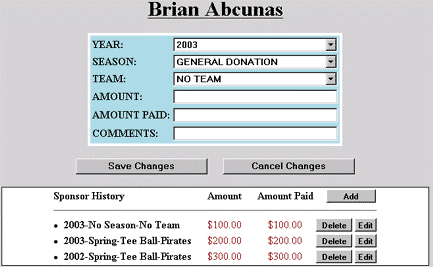
The Sponsor page can be accessed by the administrator or organization official. Sponsorships can be created for a specific team, or as general donations.
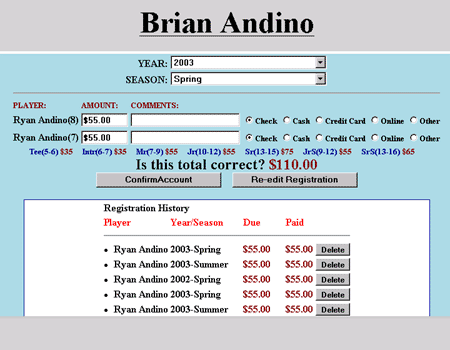
There are two ways to register, Online Registration and Manual Registration. Online Registration can be done by the administrator or the public. Manual Registration is done by the administrator and payments can be entered for check, cash, or other. SportsManager supports Youth Player Registration, Adult Player Registration, and Team Registration. Players/Teams can be registered for any year, season, and league and a registration history is kept for previous years and seasons.
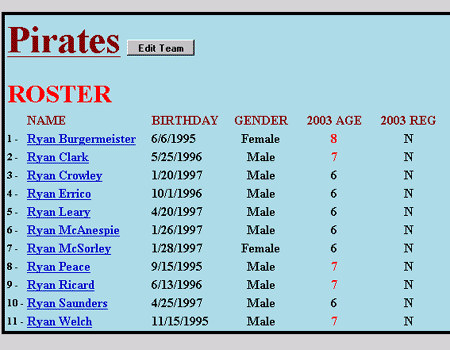
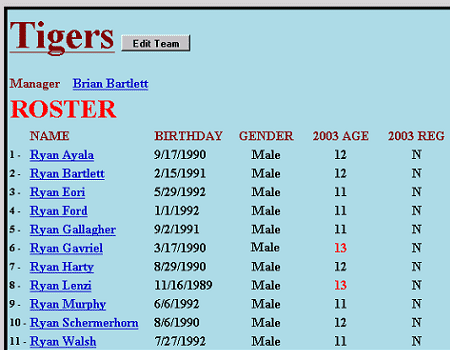
The system automatically calculates the eligibility age based on the players year of birth and the Cut Off Month and Day specified in the Organizational Information section plus the Current Year set on the main menu. In the team roster, the eligibility age of the player is displayed. The age is shown in red if it exceeds the max age set in the league table. The current year, used to calculate the eligibility age, can be changed at any time so that a manager can see who will be eligibile on the team in the next season.